Testing DSLR stop-motion software & workflow
Experiment #1
By: Ben Connors
Work:
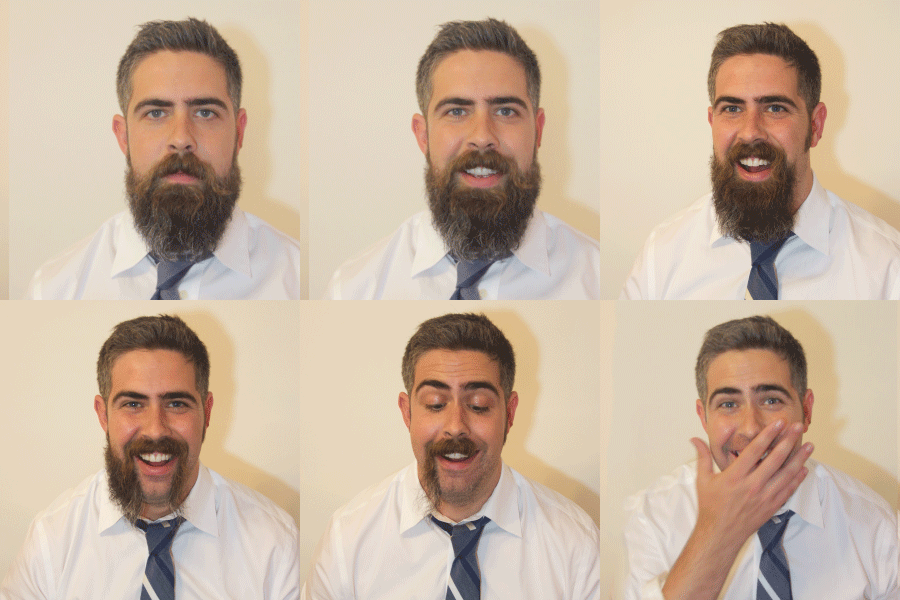
In all honesty, I just produced this for fun as part of my team profile, but I learned a bit along the way.
Camera Control: Namely, I learned that it's easy to control a Canon DSLR from your mac, using eos utility. You can even set up an image overlay which is crucial for keeping images consistent across a stop motion project. Here's the free software I used to do that: https://www.usa.canon.com/internet/portal/us/home/support/self-help-center/eos-utility/
Smoothing: I was also able to remove remaining jitter by running the finished video through a stabilizer in AfterEffects.
Export: Perhaps the most needlessly difficult part of this process was creating the GIF from a high res MOV. I used photoshop this time around. However, I've recently started to quickly creating GIFs by uploading short clips to YouTube and then using Giphy's create feature: https://giphy.com/create/gifmaker
Next Steps
- Test some other time-lapse approaches.
- Investigate other uses for EOS Utility
- Find the best method for creating small footprint GIFs
Feedback
I've gotten pretty great reactions from the Gif. I think many people assume that I've faked it somehow. I think you can have good tech or bad tech, but in the end, the thing that matters the most is whether you've pointed your camera at something that is visually interesting.