Using the Structure Sensor and iPad Air 2 to create 3-D models
Skanect vs ItSeez3D
By: Andrew Polino
Work:
This experiment involved the use of the iPad Air 2 with a Structure Sensor attached
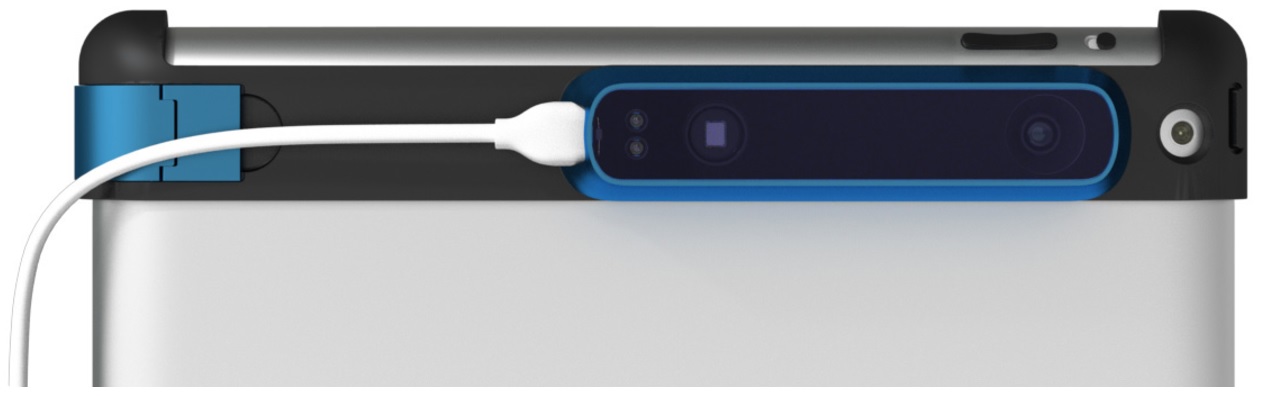
The first workflow I tested out involved using the "Structure" app and Skanect Pro (license is included in the Structure Pro kit)
The major benefit of having a professional piece of software included is that I could use the same piece of software both to capture 3D scans, touch them up, and export them as obj files. This differs from other exporting/rendering services like Sketchfab because it does not involve a subscription or online profile. Just build the file, touch it up (Skanect Pro includes options like 'Move & Crop, Fill Holes, Colorize, etc), and export the mesh.
The major downside however is that the Structure/Skanect app is incredibly buggy, erratic, and inconvenient in practice.
First of all, the "Structure" iPad app requires that Skanect be open and "Recording" on another computer that is connected to the same WiFi network as the iPad. This will add an option to "Structure"'s menu called "Uplink". You need "Uplink" to be running or the "Structure" app cannot record any visual data. This was very problematic on the McClatchy server and caused the app to lag, freeze, or drop out due to connection problems. Additionally, Uplink shows what the Structure scanner itself sees (rgbd vision, color coding based on depth), but it's difficult to determine what areas are being scanned and rendered as mesh, so there's no way of knowing how (or if) the scan is turning out until after you've imported it to Skanect. This is especially a problem when scanning larger spaces (rooms).
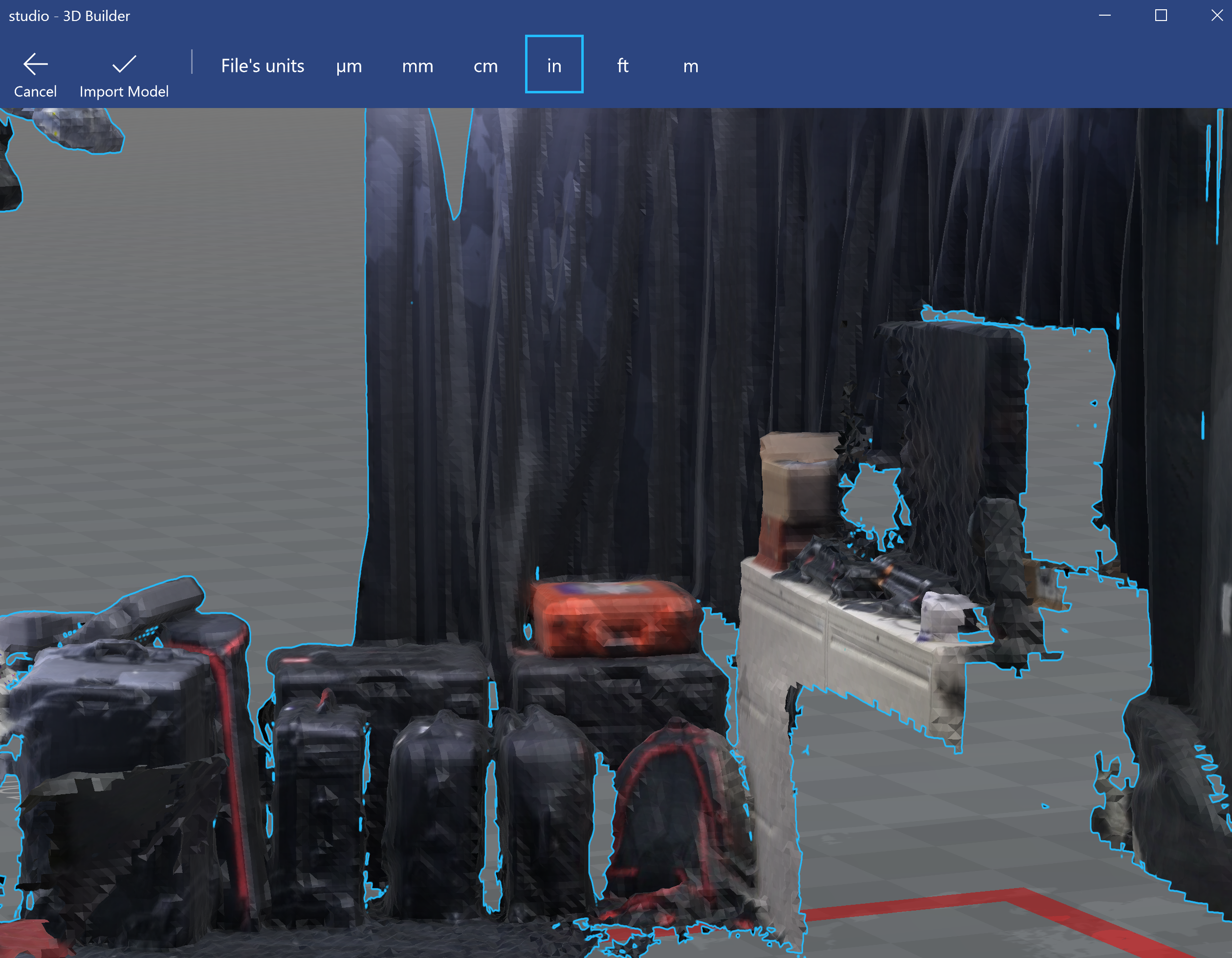
And even exporting models at full resolution can result in wildly uneven textures.
Acting on a recommendation, I tried another capture/uploading app ItSeez3D.
ItSeez3D records visual data completely within the app and uses Cloud servers to transfer and process the images, so connectivity is nowhere near as problematic as it is with Skanect. The app is also very user friendly, giving you the options to scan "Bust, Object, Full Body, or Environment" (Skanect also features 'setup' options like these, but they are only accessible on the computer program, not the Structure mobile app). It also combines what the Structure sensor views with the data picked up by the laser scanner to give you a RealTime preview of what it is tracking (You see the regular camera image with a white digital coating representing the areas the digital scanner has captured). And ItSeez3D captures a much higher quality image with finer textures and details (see embedded scans on Iteration #2).
However, ItSeez3D isn't perfect either. There are three notable drawbacks:
1. There's a time limit for scanning (a countdown clock appears when you only have 1:30 left to scan). This can be very inconvenient during a trickier scan (notably an environment scan, or any where you have to cover different angles and reposition camera
2. The downside of having the camera image and preview of mesh generating on the same screen is that it's easy for these two to fall out of alignment. ItSeez3D and Structure/Skanect will both stop scanning and instruct the user to return to a previous position if it's having trouble following how fast the scanner is changing position. Getting back to the right position isn't always easy to do, and it's especially hard to do in ItSeez3D if the camera and mesh preview have fallen out of alignment.
3. Subscription Fees. It costs monthly/annual membership fees to be able to export your finished models as files, and that can be very pricey depending on need.