Nikon Key Mission 360° kit
This 360° camera shoots 4k, auto-stitches and is waterproof
Inventory
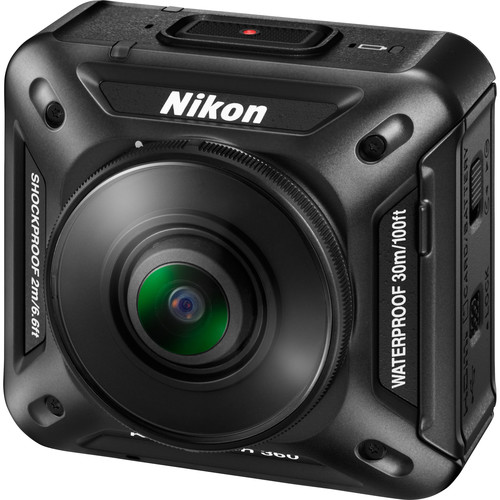
KeyMission 360
$496.95
$496.95
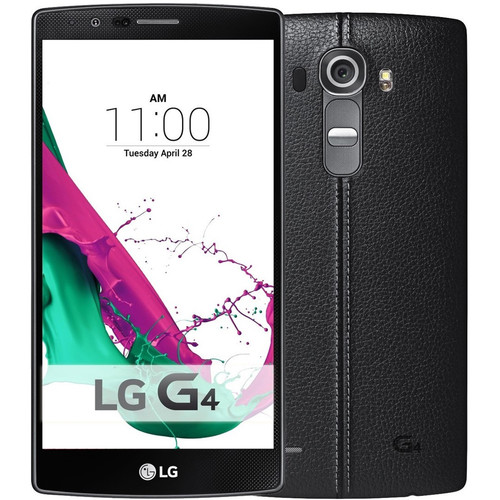
LG G4 - Android
$279.99
$279.99
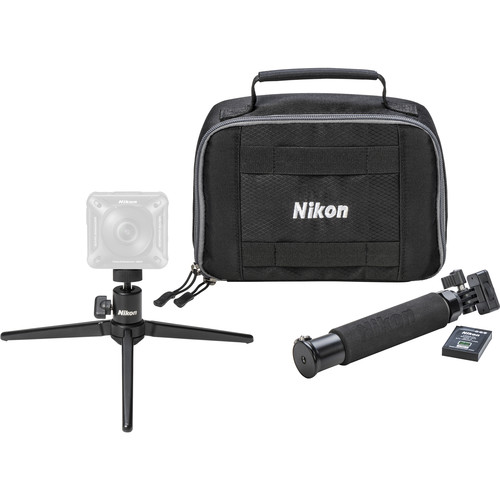
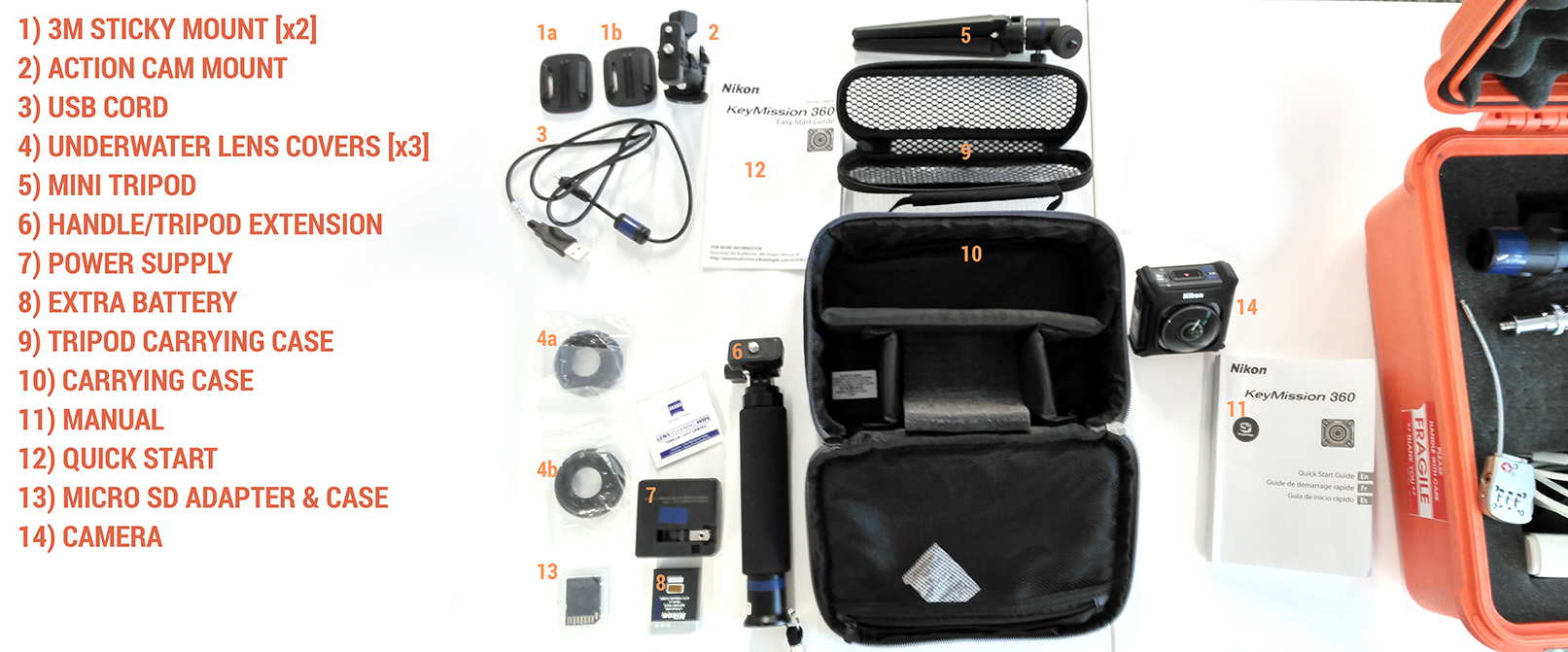
KeyMission Accessory Pack
$146.95
$146.95
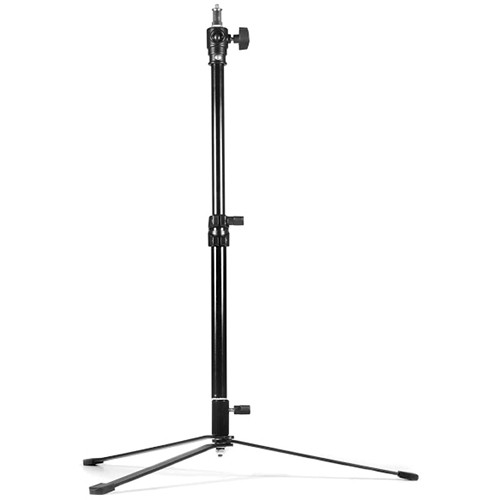
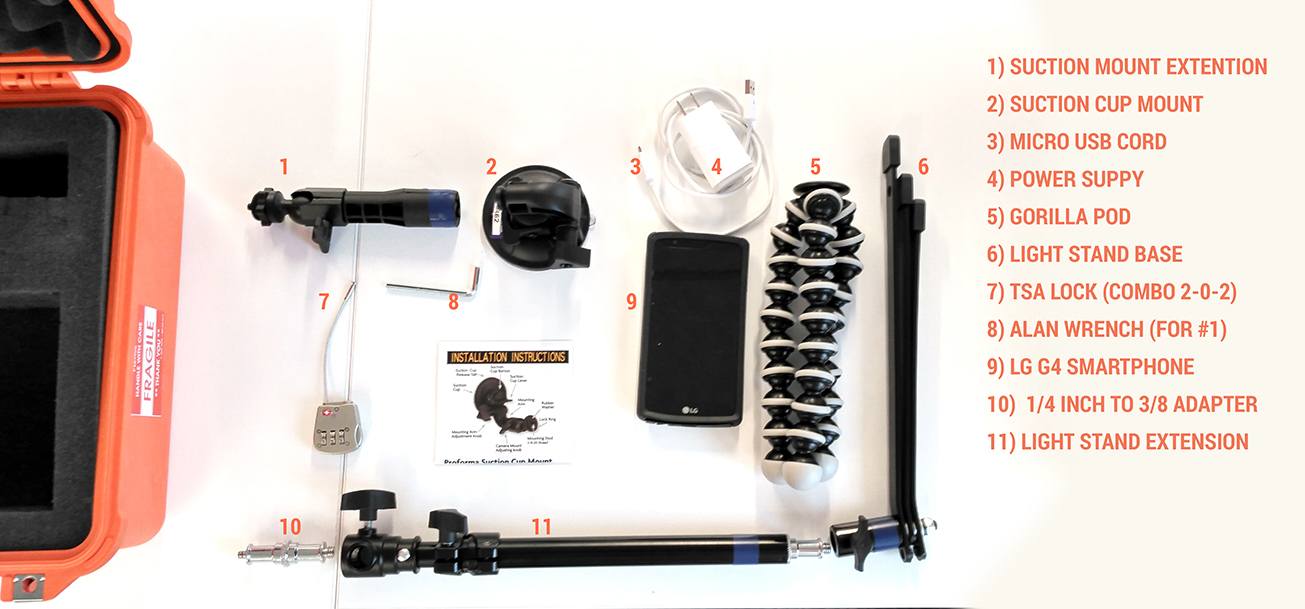
Collapsable 24" Light Stand
$39.00
$39.00
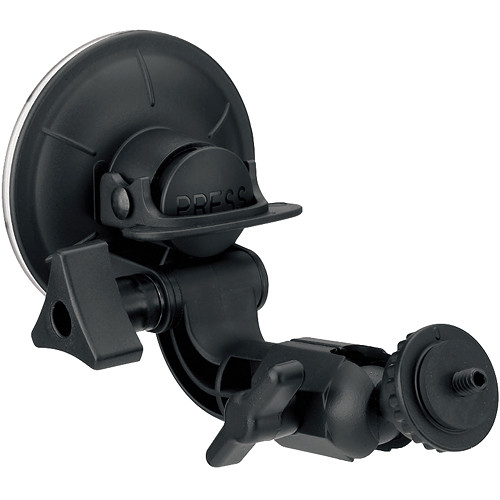
Suction Cup Mount
$19.49
$19.49
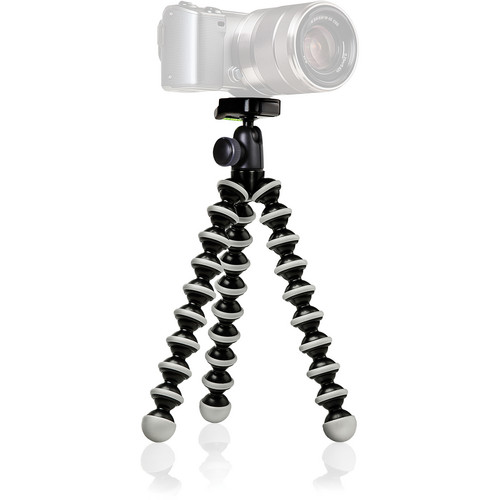
Gorilla Pod
$39.95
$39.95
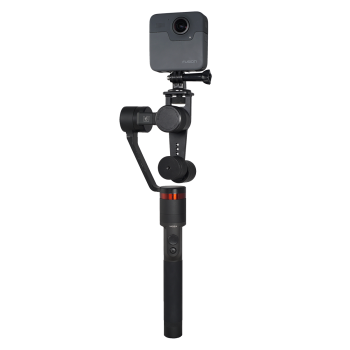
Total Cost $1322.32
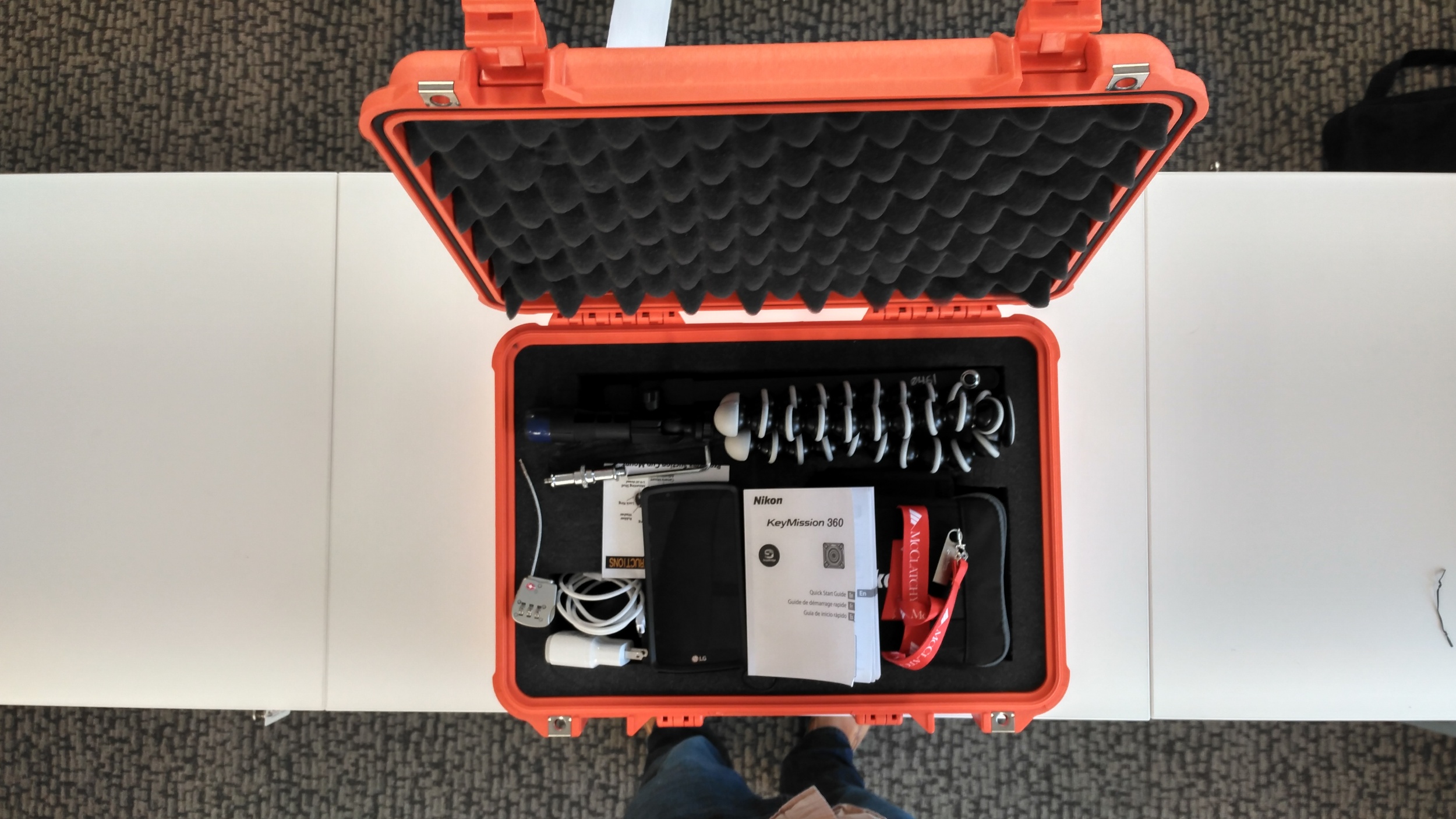
See Visual Inventory
See Visual Inventory
Software & Digital Resources
- Mobile Apps {Not Included}
- Manuals
- Key Mission Full Manual
- Key Mission Quick Start
- Software
- GoPro VR Player
- 360° MetaData Tool
- Nikon KeyMission Editor
- Ricoh Theta Video Stitcher
- Ricoh Theta Live Setup
- Graphic Resources
- None at this time
Editorial reccomendations
This gear is best suited to stories where PLACE is important, or when you've obtained exclusive access
For Example:
- Touring a new building or facility
- Environmental Stories
- Urban Development
- Anything where you can go somewhere your audience can't
- Parade
- Fair
Made with this kit:
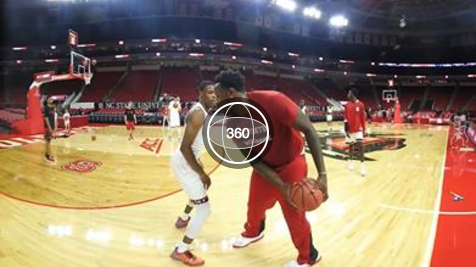
NC State Basketball’s ‘Rescue Squad’
By Brittany PetersonTIP: If you decide to try pairing the camera with your personal phone, the iPhone pairing is a little more complicated than android... and it involves using both the bluetooth AND the wifi. Here's a video tutorial on pairing: http://360rumors.blogspot.com/2016/10/how-to-pair-nikon-keymission-360-with.html
bpeterson@mcclatchy.com
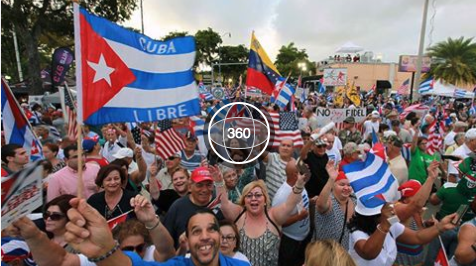
Rally for Cuban reform in Little Havana
By Justin AzpiazuTIP: Practice using it in different lighting situations before you go out on assignment. Also, learn how to use the app on the phone. That was one of the things I struggled with. The app isn't too user-friendly. Other than that, shoot away and make sure the camera is at the center of the action. It can't be off to the side. It needs to be in the middle.
jazpiazu@miamiherald.com
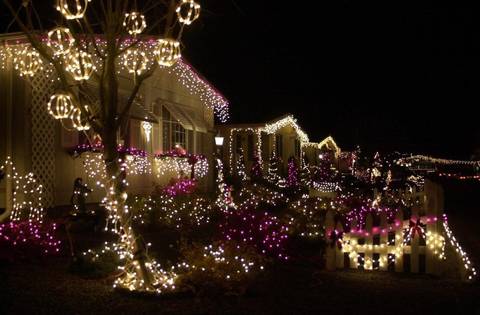
Christmas lights in Bellingham
By Evan AbellTIP: The main thing I would tell anyone using it for the first time is very photo 101- GET CLOSER! Since I wasn't dealing with crowds when doing my Christmas lights video it was pretty easy to put the camera in different places and came away with lots of footage. (SEE MORE BELOW)
eabell@bhamherald.com
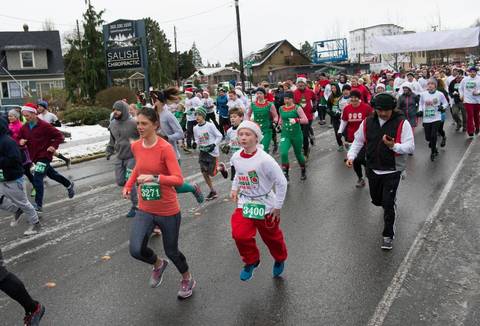
Bellingham’s Jingle Bell Run
By Evan AbellTIP: With the jingle bell fun run I quickly realized the stand was hard for people to see which meant I had to start putting it a little farther away from people than I'd like. I ended up with a lot of footage that wasn't very usable.
eabell@bhamherald.com
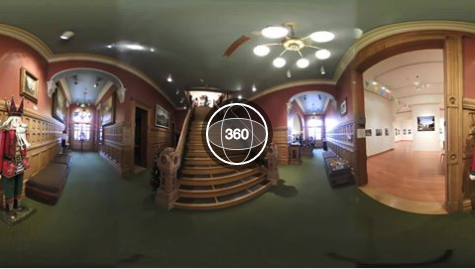
Deck the Old City Hall
By Phil DwyerTIP: This camera sees everything so be extra conscious of what you want in the picture and what you don't want. If you set the camera on a tripod, you need to find a place to hide to be out of the photo.
philip.dwyer@bellinghamherald.com
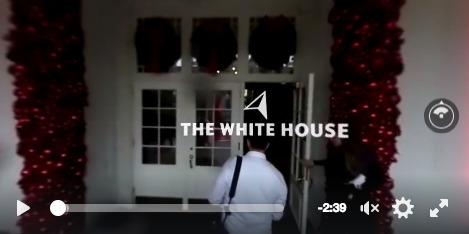
White House Christmas Decorations
By Natalie FertigTIP: <a href="https://docs.google.com/document/d/1NA_xkEHwVLuPxVr16CLHrgTJ3VmJ3yoJzXTeM79xCR0/edit">Notes</a>
nfertig@mcclatchy.com
Photos