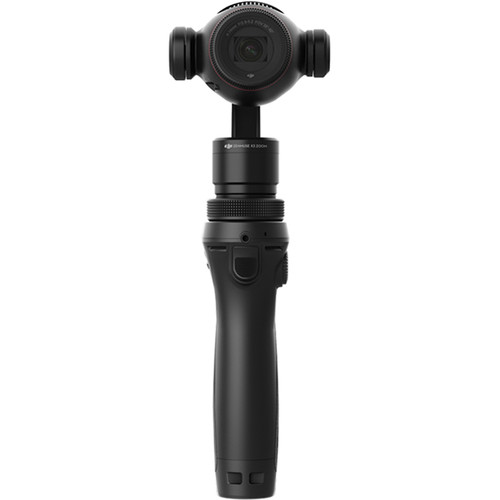
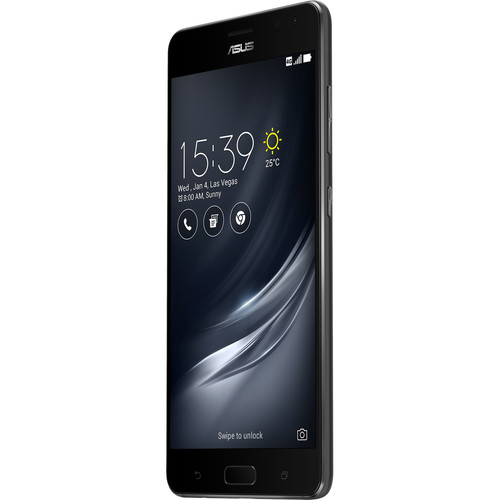
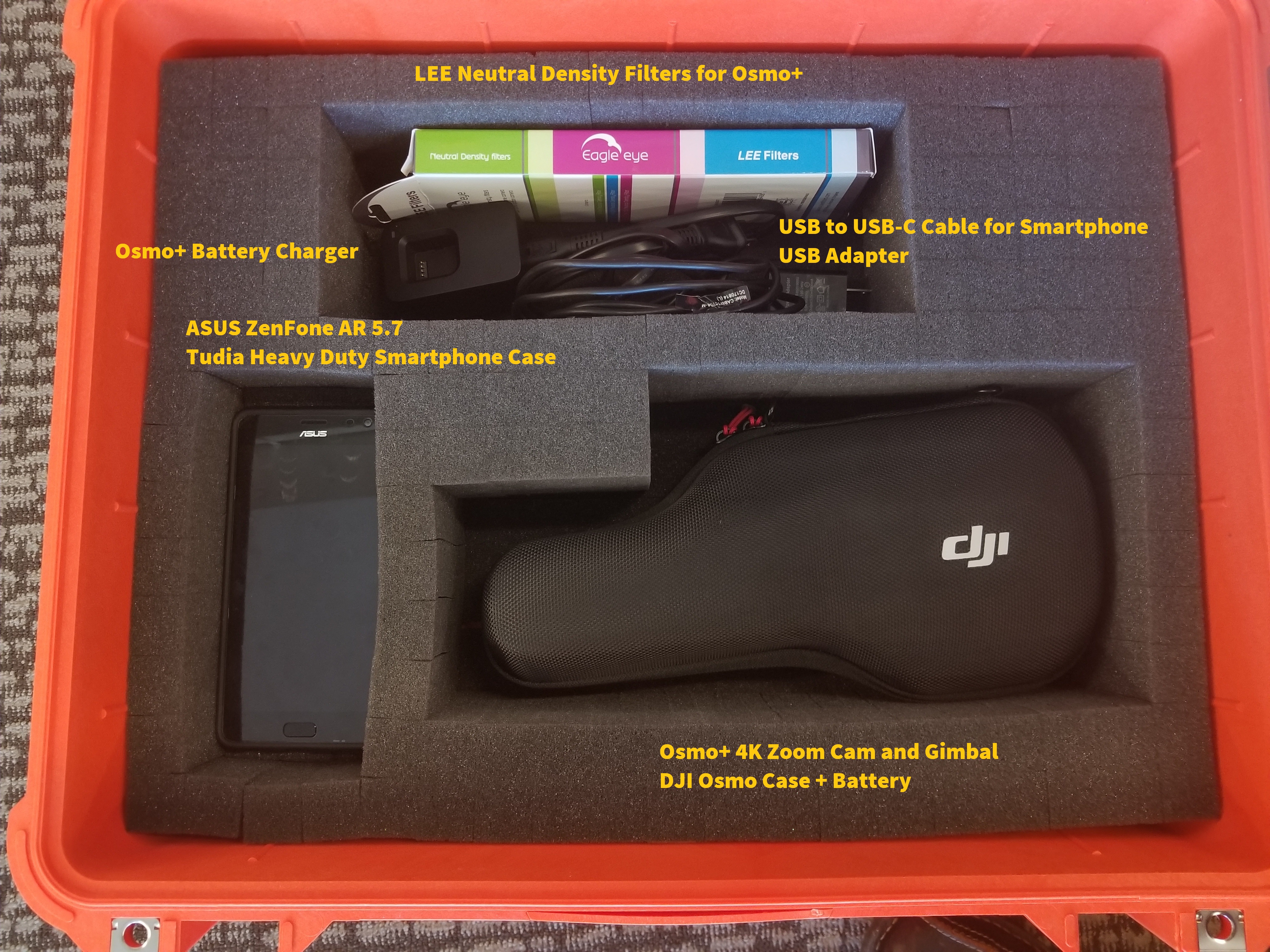
When you record video or photo on the Osmo+, the data is stored on the micro SD card (the slot is on the lower-right hand side of the camera next to the lens). If you are using the DJI Go app to record, the app will save the thumbnail images (i.e. the ones that appear in the "playback/gallery" section of the app) directly onto your phone, but the main files are kept on the SD card in the camera. This leaves you with 2 options:
1. Remove the SD card from the Osmo+ and use the microSD/USB card reader included in the kit to upload the files directly to your computer
2. Go to the Playback/Gallery section of the app. Select the clip/photo you want to download to/share from the mobile device. There will be 2 icons at the bottom of the screen, a trash can on the left ('delete') and a box with an arrow ('download'). If you select download, the app will download the file from the camera via the WiFi connection.