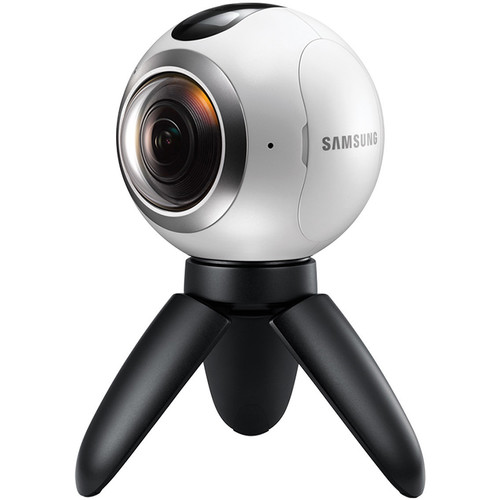
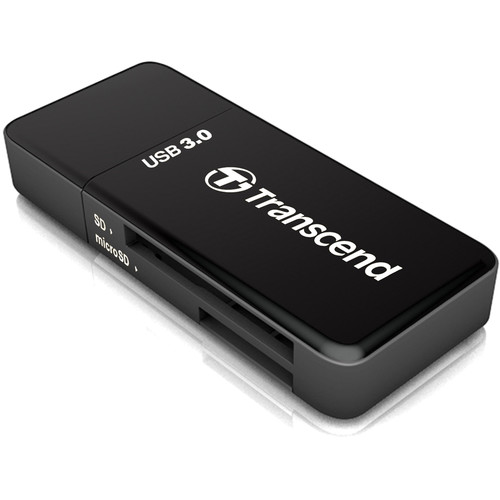
This gear is best suited to stories where PLACE is important, or when you've obtained exclusive access
For Example:
Pairing Camera to a Phone:
Samsung provides thorough documentation HERE
Battery Life:
The Gear 360 uses a 1,350mAh rechargeable lithium-ion battery that can be taken out and replaced (spare batteries can be purchased for $19.99). The battery takes around 2.5 hours to charge when it’s been fully drained.
Camera Adjustments:
The camera settings can be adjusted via the Samsung 360 mobile app by connecting the Camera via the app, and selecting the “Camera (Take 360° pictures and videos)” option. The settings include
+/- Exposure: can be increased or decreased in increments
WB White Balance: Aqua, Daylight, Cloudy, Incandescent, Auto (default)
HDR: On/Off (Preferably on for filming scenes with varied colors and details)
Camera Settings: Video Size, Timer, ISO Sensitivity Limit, Sharpness (on/off), Reduce Wind Noise (on/off), Location Tags (on/off)
The main camera screen also gives you the ability to select whether you are recording with the front or real lenses (180° photos/videos) or both (360°) and what view you are getting from the preview window. Your options are 360° view (sphere you can swipe around to change the view), Round view, stretched view, dual view (one camera view on top of another), and panoramic (full image as an equirectangular view)
You can also use the “Mode” button to change the recording method. Your choices are Video, Photo, Time Lapse, and Video Looping.